Picture this: It’s 4:17 PM. My toddler’s using my last clean grocery list as modern art while my phone buzzes with yet another “Low Storage” warning. Cue the daily existential crisis: “What’s for dinner that won’t get thrown at the dog this time?”
Here’s the plot twist – that same phone I’m doomscrolling on? Turns out it holds the secret to transforming dinner madness into something resembling adult competence. Who knew?
I’ve tried more organizational hacks than there are chicken nuggets under my couch cushions. Paper planners? Became coloring books. Fancy spreadsheets? My preschooler “fixed” them with permanent marker. But when I finally embraced digital tools made for busy parents? Game. Changer.
This isn’t about those apps that promise Pinterest-worthy meals requiring 17 exotic spices. We’re talking real solutions for families whose idea of gourmet is remembering to thaw the chicken. I’ll show you which ones actually:
• Survive picky eaters’ veto power
• Sync with your chaotic schedule
• Don’t require a PhD to operate
By the end of this, you’ll wish you’d downloaded these sooner – though fair warning, your kids might still feed broccoli to the dog.
Introduction: How Meal Planning Can Transform Family Dinners
Let’s get real – “what’s for dinner” shouldn’t be a daily panic attack. I used to think organizing meals meant becoming a Pinterest superhero. Spoiler: It’s really about not serving cereal three nights in a row while hiding broccoli in mac and cheese.
Defining Meal Planning for Busy Families
Here’s the secret sauce: Spend 20 minutes weekly deciding what to cook. That’s it. No binder of recipes or Instagram-worthy spreadsheets. Just knowing Tuesday’s tacos won’t become Thursday’s “uh-oh, we’re out of tortillas” meltdown.
You’ll nail one grocery haul instead of those 4 PM dash-and-grab trips. Bonus? Your receipt won’t look like you bought out the frozen pizza aisle again.
Benefits of a Well-Organized Dinner Schedule
Imagine this: Money stays in your wallet because you’re not ordering Thai takeout again. Kids actually eat something green(ish). And that recipe you’ve been eyeing? You’ll finally try it without the “will they riot?” stress.
Best part? You might gasp enjoy family time instead of negotiating with tiny food critics. Who knew Wednesday spaghetti could lead to actual conversation?
Best meal planning apps for families
Remember when “organized kitchen” meant sticky notes plastered on the fridge like modern art? Yeah, me neither. Let’s talk tech that actually works for real life – not just aspirational Pinterest boards.
Why Your Phone Beats Paper Every Time
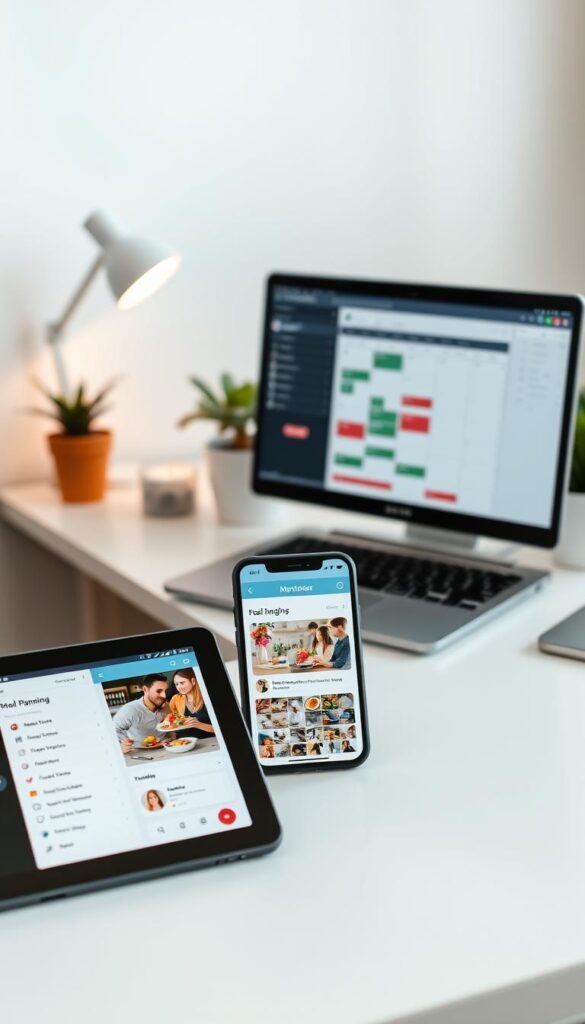
I’ll always love the smell of fresh notebooks. But trying to meal plan with pen and paper? That’s like using a flip phone in 2024. Your device lives in your hand anyway – might as well make it spit out grocery lists between TikTok dances.
- Syncs between your laptop, tablet, and partner’s device (no more “I thought YOU bought pasta” texts)
- Instantly imports recipes from food blogs – copy-paste skills not required
- Adjusts ingredient quantities when cousins randomly join dinner
Non-Negotiable App Superpowers
The best meal planning apps don’t just look pretty. They need to:
- Auto-generate shopping lists that actually match your recipes
- Let you search recipes by “stuff in my pantry” mode
- Work when your brain’s running on 3 hours of sleep
No PhD Required
If you need YouTube tutorials to add Tuesday’s tacos, ditch it. The right tool feels like texting your most organized friend – simple taps, clear menus, and zero rage-quitting.
Pro tip: Test apps during naptime. If you can’t schedule 3 meals before the baby wakes up? Swipe left.
Plan To Eat: Organize Your Recipes and Create Your Schedule
Raise your hand if your recipe collection looks like digital confetti – screenshots, browser tabs, and that stained index card from Grandma. Plan to Eat swoops in like a fairy godmother for your culinary chaos. For less than a latte per month, it transforms your scattered food ideas into an actual strategy.
Importing and Storing Your Favorite Recipes
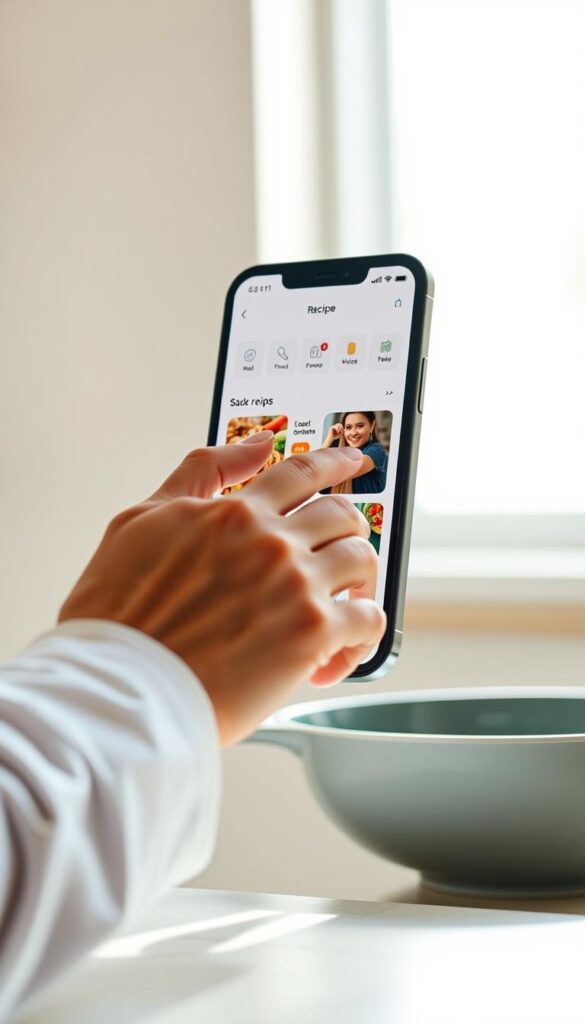
Their one-click recipe clipper is the Marie Kondo of your kitchen. Found a killer slow-cooker chili on Pinterest? Click. Spotted a viral Instagram reel? Save it. Even handwritten notes from your pre-internet days can join the party. Suddenly, your “I’ll remember this later” bookmarks become usable assets instead of digital clutter.
Automatic Shopping List Generation
Here’s where magic happens. Add three chicken dinners to your week? The app automatically calculates you need 1.5 lbs of breasts. Forgot tortillas last time? It remembers. Your list organizes by grocery sections – produce first, frozen last. No more backtracking through aisles like a zombie apocalypse survivor.
Pro hack: Set reminders for “thaw the salmon” or “soak beans overnight.” Because let’s be real – without alarms, we’d all be eating cereal at 7 PM. At $39/year, it’s cheaper than replacing the takeout containers piling up in your recycling bin.
Prepear and My FreezEasy: Streamlined Solutions for Modern Meal Prep
Confession: My meal prep attempts used to look like a toddler’s art project – random ingredients tossed into containers with zero logic. Enter these two lifesavers that finally made batch cooking feel less like a part-time job.
Drag-and-Drop Interfaces and Custom Meal Plans
Prepear’s like that friend who color-codes her pantry and remembers your kids’ allergies. Their free version lets you:
- Build 12-week plans faster than you can say “chicken nugget emergency”
- Filter recipes by “I have 20 minutes and 3 random sweet potatoes” mode
- Track spices so you stop buying cumin every damn week
My FreezEasy? Think of it as your freezer’s personal assistant 🧊. The drag-and-drop system turns meal prepping into a matching game – slide frozen burrito bowls into Thursday’s slot while literally watching Netflix. Their $12/month plan includes:
- Thawing instructions even sleep-deprived parents can follow
- Labels that won’t smear when your 4-year-old “helps”
- Batch cooking guides that actually respect your time
Pro move: Connect Prepear to Walmart for instant grocery lists. Because typing “almond milk” while wrangling a cart feels like an Olympic sport.
EMeals, Cozi, and Mealime: Simplifying Your Weekly Menu
Ever wish someone would just hand you a dinner blueprint instead of that “figure it out” nonsense? These three tools turn “what’s for dinner” from a daily interrogation into a solved case.
Pre-Made Meal Plans and Customization Options
EMeals is like that friend who actually follows through on “I’ll plan the menu!” For $5/month, they deliver 7 recipes weekly that:
- Match your eating style (even if it’s “whatever the kids won’t boycott”)
- Use overlapping ingredients so you’re not buying 17 spices
- Let you swap dishes faster than a toddler changes their favorite color
Mealime’s free version? Pure genius. Their voice-controlled cooking mode keeps your phone crumb-free while guiding you through recipes. Pro tip: The $6 upgrade adds lunch ideas – because PB&J gets old.
Features Tailored for Family Use and Hands-Free Modes
Cozi’s the MVP for $30/year. It’s not just a meal planner – it’s your family’s command center. Shared calendars sync with grocery lists, so your partner can’t claim they “didn’t know” about taco Tuesday. Bonus: Color-coding options satisfy that itch to feel organized.
All three apps play nice with Walmart and Instacart. Because some weeks, the only “store run” you’re making is from couch to front door.
Extra Features and Insider Tips for Maximizing Your Meal Planning
True story: I once bought garlic powder three weeks straight because my “system” was Post-its on the fridge. Turns out, these apps have secret weapons way beyond basic lists. Let’s unlock those hidden superpowers.
Your Phone’s New Grocery IQ
Digital pantries? Life-changing. They remember you always have eggs, saving you from becoming That Person with 18 cartons. Sync your staples list with Walmart or Instacart, and watch your shopping trips shrink faster than kids’ attention spans.
Sunday Cook-Offs Made Smarter
Batch cooking fails? Been there. Now I use apps that adjust recipes for 4x portions and auto-schedule thaw times. Pro tip: The screen lock feature saves marriages when you’re elbow-deep in meatloaf mix. Cost trackers? They’re the reason I stopped “accidentally” spending $300 on artisanal cheese.
One-Click Grocery Wizardry
Here’s the magic: Plan meals → click “delivery” → done. Apps linking to Kroger or Shipt mean ice cream arrives before your willpower cracks. Bonus? Loyalty points stack automatically – those fuel rewards add up faster than laundry piles.
The real win? You’ll regain hours previously spent wandering aisles. Now if only apps could negotiate with tiny humans about eating zucchini…
Wrapping Up: Making the Most of Your Family Meal Planning Experience
Here’s the tea: Perfection’s overrated. The best meal strategy isn’t about color-coded calendars – it’s what stops the 5 PM “cereal again?” shuffle. I learned this after my “30-day planner” lasted until Tuesday.
Your magic tool? Whatever you’ll actually open between diaper changes and work Zooms. Maybe that’s a bare-bones app or just notes in your phone. Consistency beats complexity every time.
Start with three dinners this week. Next month, maybe tackle lunches. Theme nights saved my sanity – “Whatever Wednesday” uses leftovers creatively (read: quesadillas hide multitudes). Your system should bend like stretchy yoga pants, not squeeze like jeans from 2014.
Remember why you started: More time for sidewalk chalk battles, less for staring into the freezer abyss. When your toddler becomes a teen? You’ll tweak again. That’s the beauty – good enough evolves right along with your crew.
Now go forth. Your future self (and dog tired from broccoli duty) will thank you. 🥦➡️🗑️